
Tech Analyst | Daily Gaming Hub Australia
It happens every year. You just bought Cyberpunk 2077 or Baldur’s Gate 3 at a 50% discount. You hit “Install.” And then you watch in horror as your 100Mbps NBN connection crawls at 500KB/s.
With the Steam Winter Sale 2025 now live, millions of Australians are hitting the local content servers simultaneously. This creates a bottleneck, specifically at the NBN CVC (Connectivity Virtual Circuit) level and within Valve’s local data centres in Sydney.
If your download time says “3 Days Remaining,” don’t panic. Here is the technical workaround to bypass the Aussie congestion and max out your line speed.
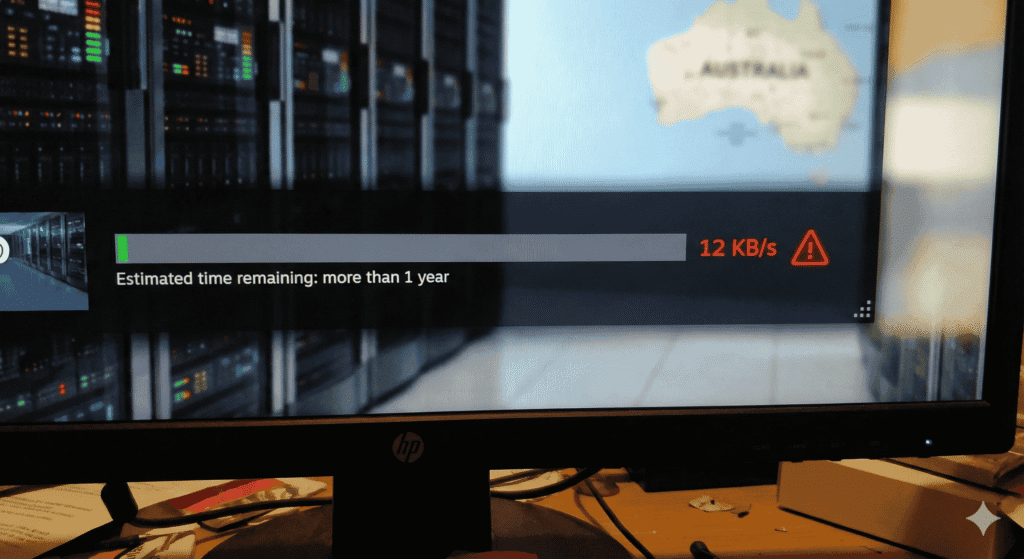
1. The “Region Hop” Trick (Most Effective) 🌏
When everyone in Sydney and Melbourne is downloading from the “Australia – NSW” server, it gets overloaded. The solution? Force Steam to download from a country that is currently asleep or has less traffic.
How to do it:
- Open Steam and go to Settings (top left corner).
- Select Downloads.
- Look for Download Region.
- Change it from “Australia” to one of these less congested alternatives:
- New Zealand (Often less traffic than Aus).
- Singapore (Great infrastructure, low latency).
- US – Los Angeles (If it is currently night time in the US).
- Restart Steam.
Analyst Note: You might get slightly higher latency (ping) while downloading, but your raw throughput speed will often double or triple because the server load is lower.
2. Clear Your Download Cache 🗑️
Sometimes, the issue isn’t the server—it’s your Steam client getting stuck with corrupted temporary files.
- Go to Settings > Downloads.
- Click the button Clear Download Cache.
- Steam will restart and ask you to log in again. This forces the client to renegotiate the connection with the server.
3. Check Your DNS Settings 🌐
If your ISP’s default DNS server is struggling to resolve requests due to high traffic, your connection will feel sluggish. Switching to a high-performance public DNS can stabilise your connection.
I recommend using Cloudflare (1.1.1.1) or Google Public DNS for the best gaming results in Australia.
Not sure which DNS to use? Read our benchmark analysis here: Best DNS for Gaming in Australia 2025.
4. The “Throttling” Reality Check 📉
If you have tried everything above and the speed is still slow, check if other devices in your house are streaming 4K Netflix.
Furthermore, cheaper NBN providers often cut costs on CVC bandwidth. This means during peak hours (7 PM – 10 PM), they literally don’t have enough “pipe” for all their customers. If this happens every night, it might be time to switch providers.
Considering an upgrade? Check our review of Starlink vs NBN for Aussie Gamers.
Be Patient, But Be Smart
Don’t suffer through a 200KB/s download. By simply hopping to a New Zealand server, you can often finish your download in 30 minutes instead of 6 hours.
Now, get that download finished so you can actually play.
💰 Want More Rewards? Enter the VIP Channel Want more than just news? Our community members get access to exclusive perks that we don’t publish on the website.
Why join the VIP Squad?
💎 Daily Exclusive Rewards: Access hidden apps and opportunities to boost your balance.
🚀 Community Drops: Get notified first about limited-time offers and giveaways.
🇦🇺 Aussie Only: Verified perks specifically for our local readers.
👉 CLICK TO UNLOCK YOUR VIP REWARDS (Free to join. 18+ Recommended)
❓ FAQ SCHEMA
Q: Why is my Steam download speed so slow on NBN right now? A: During major events like the Steam Winter Sale 2025, millions of Australians download games simultaneously. This causes congestion at local data centres and within your ISP’s NBN CVC (bandwidth pipe), resulting in throttled speeds during peak evening hours.
Q: What is the best Steam download region for Australia? A: If the Australian servers (Sydney/Melbourne/Perth) are overloaded, we recommend switching your download region to New Zealand or Singapore. These regions often have less traffic load and can provide faster throughput despite slightly higher latency.
Q: Does changing DNS improve Steam download speeds? A: Yes, it can help. While DNS doesn’t directly increase bandwidth, switching to a fast public DNS like Cloudflare (1.1.1.1) can resolve server requests faster and prevent connection timeouts. Check our guide on the Best DNS for Gaming in Australia for more details.
Q: How do I clear my Steam download cache? A: Go to Steam > Settings > Downloads and click the “Clear Download Cache” button. This will restart your Steam client and force it to find a fresh connection path to the content server, often fixing stuck downloads.